
Turn any phone photo into a perfect product card
Aurelia cleanly cuts your product out, adds soft studio light and places it into beautiful scenes — ready for Amazon, Etsy, Shopify, Instagram and your own store. In 12 seconds, with no studio.

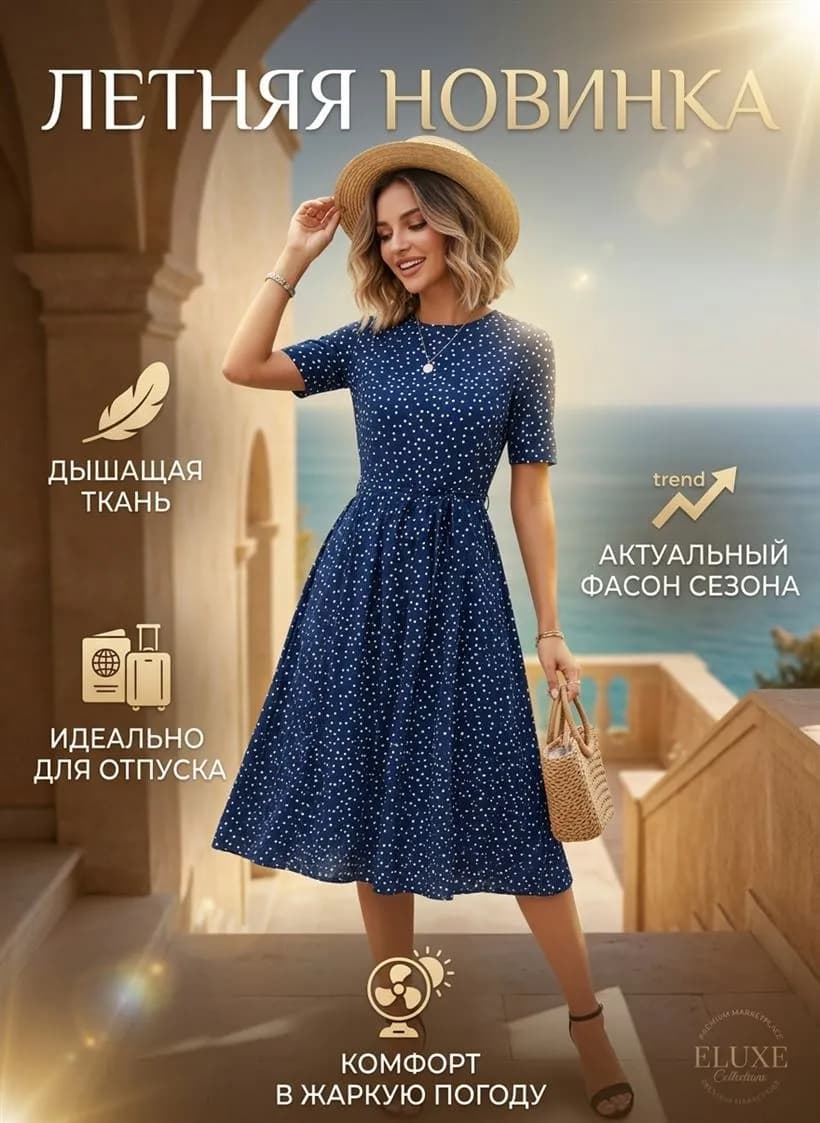
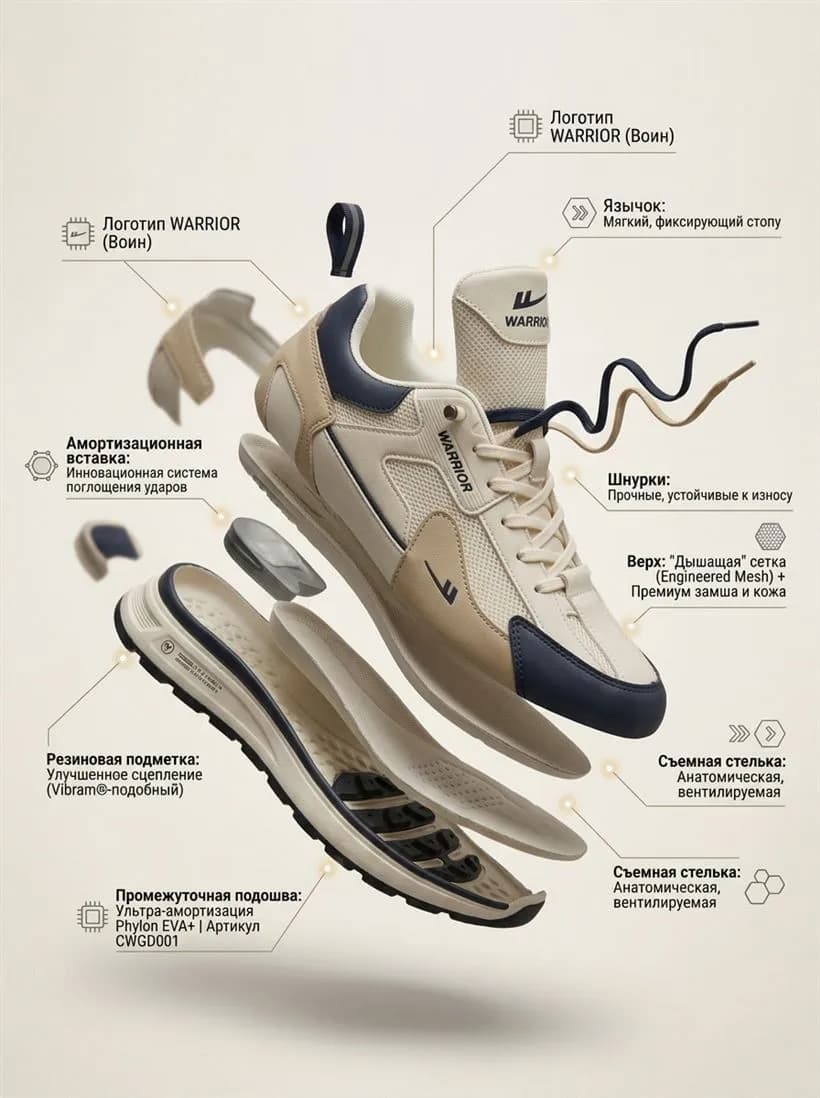




Three steps — and done
Upload a product photo
Even a regular smartphone shot works.
→Pick a concept
Studio, lifestyle, catalog and other scenes.
→Add infographics in one click
Copy, badges, benefits — ready for the marketplace.
Built so you get results fast — without a production team.
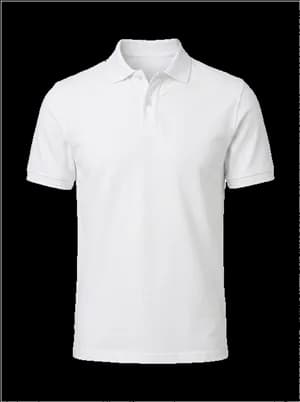
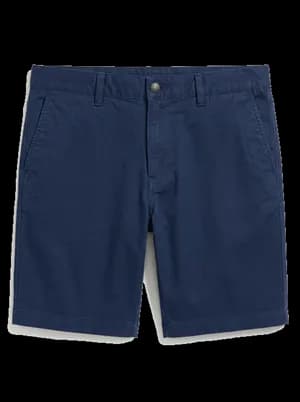
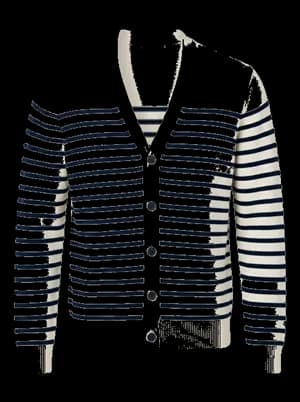
Build looks from any pieces
Upload a photo of clothing or accessories — and get studio-quality shots in a couple of clicks.
Make videos to your scenario
No complicated settings — one minute end to end.
Works for many product categories
Show us your product — and get a clean, high-converting card. Hover a card to see the “before”.
Pick your rhythm
No hidden fees. Cancel anytime in one click.
Small questions, full answers
Does Aurelia work for Amazon, Etsy and Shopify?
Yes. Every image and video Aurelia makes is ready to upload to Amazon, Etsy, Shopify, eBay and other marketplaces. Output is saved at the right resolution — open your listing, upload, done.
Is there a free version? What are the limits?
When you sign up you get 6 stars — enough to try the service and generate your first cards. All tools, styles and formats are available right away. No credit card required.
How do I create infographics with product specs?
Upload a product photo, pick the “Catalog” concept and describe the labels and copy you want on the card. Aurelia bakes your specs straight into the design. Don’t like the first take? Generate again until it fits.
Can I make several slides in the same style?
Yes. You can generate a full gallery for one product — different angles, scenes, settings — and keep one consistent visual language. The listing feels cohesive.
Which image formats are supported?
Uploads: JPEG, PNG, WebP and HEIC. Downloads: high-quality JPEG. Pick the sharpest source you have — the more detail in the original, the better your product looks in the final shots.
Can I make a product video?
Yes — that’s AI Video. Upload a photo, pick a scenario, get a short clip. Great for marketplace listings and social ads.
Is it hard? Do I need design skills?
No. Upload a photo, pick a concept — Aurelia does the rest. The interface is built for sellers, not designers: no Photoshop, no Figma.
Which photo works best?
Any will do — even a smartphone shot. But the sharper and brighter the source, the better the product details carry over. Messy background? Not a problem — Aurelia tidies the scene.
How long does generation take?
Around a minute for an image, a couple of minutes for video. The exact average speed over the last 24 hours is shown on the home page.
What are stars and what do they cost?
Stars are Aurelia’s internal currency. You spend them on each image or video generation. We give 6 stars free at signup. Current star pack prices and per-generation costs are visible in your account.
Can I make every card in my store look the same?
Yes. Pick a concept and scenario, and Aurelia keeps one visual language across all products. Your store gets a recognizable style; buyers feel like they’re looking at one tidy brand.
How do I pay?
We accept major international cards (Visa, MasterCard) via Paddle/Stripe. Local payment methods are available per region.
Make your first card in 12 seconds
Free, no card required, no watermark on your first result.
Upload a photo