
★ AI GENERATOR FOR AMAZON
Amazon listing images — in a minute, no photographer
Aurelia turns a phone snapshot into a clean Amazon-compliant image: pure white background, 1000×1000+ pixels, product fills 85% of the frame. No studio, no Photoshop, no waiting on a designer.


Why reshoot your Amazon listing
Click-through rate on Amazon is tied directly to image quality. Sellers who replace amateur photos with studio-style imagery see CTR lift of 20–40% on average, and 10–25% lift on conversion to order. Amazon's A9 algorithm rewards engagement — stronger images mean better placement in search results.
The problem: a studio shoot for a new ASIN takes a day or two and costs $80–300 per SKU plus model fees and retouching. Aurelia covers 80% of these jobs in a minute, at a fraction of the cost.
Amazon image requirements — and how Aurelia covers them
- Pure white background (RGB 255,255,255) for the MAIN image. Aurelia's “Catalog” mode and “Commercial” style output on pure studio white — straight to Seller Central.
- 1000×1000 minimum, 1600×1600+ for zoom. Aurelia renders up to 2K — covers main + all variant images for zoom-enabled listings.
- JPG or PNG, up to 10 MB. Aurelia exports JPG/PNG, typical file 1–3 MB.
- Product fills 85% of the frame. Aurelia auto-crops by detected category — apparel, electronics, beauty, etc. — so the product is the hero.
- No text, logos, watermarks or models in the MAIN image. Aurelia keeps the main shot clean; lifestyle and infographic go in carousel slots 2–9.
Build an Amazon listing image set in 3 steps
- 1. Upload your product photo. Any phone shot in daylight works. The product should fill most of the frame and be in focus. Upload up to 4 angles at once.
- 2. Pick mode and style. For the MAIN image — “Photo” + “Commercial” style. For lifestyle slots — “Lifestyle”. Category is detected automatically.
- 3. Hit Generate. A single image takes ~99 seconds. Ask for 2–4 variants in one run — pick the best, download as JPG.
What Aurelia builds specifically for Amazon
MAIN image on pure white
Clean studio shot, product centered, even diffused light. Meets Amazon's strict MAIN-image requirement out of the box.
Infographic carousel slides
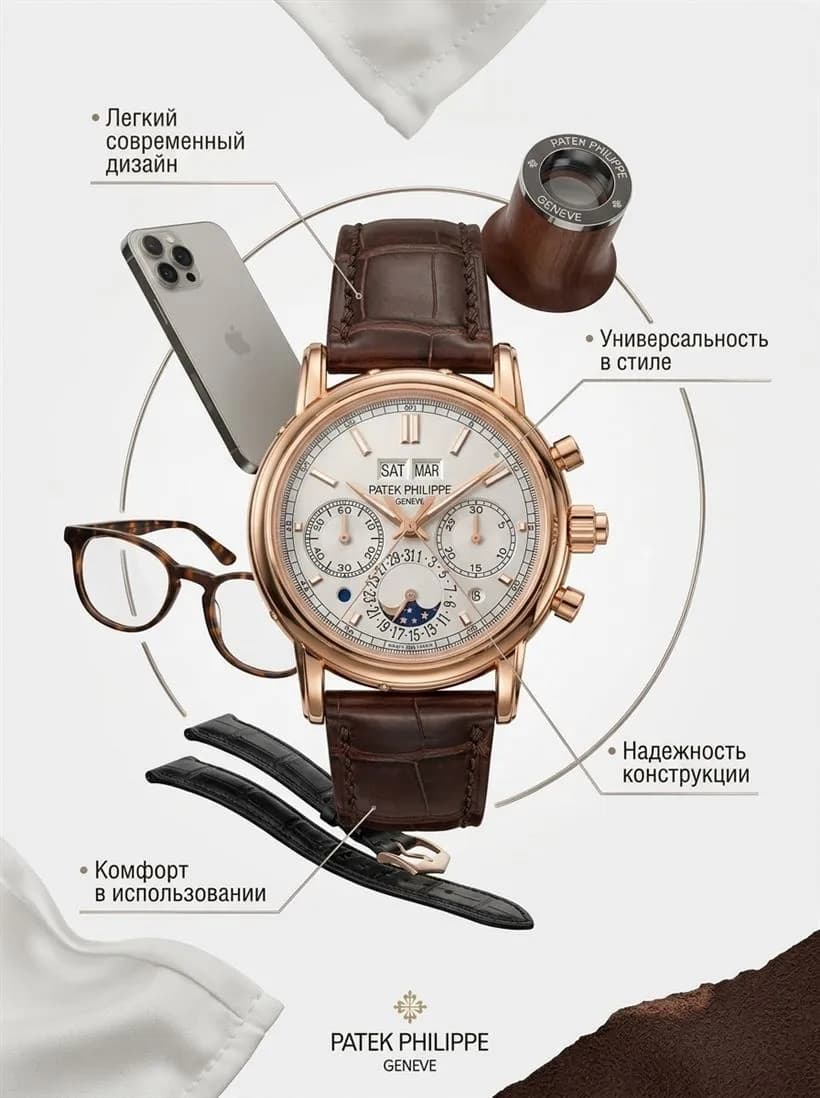
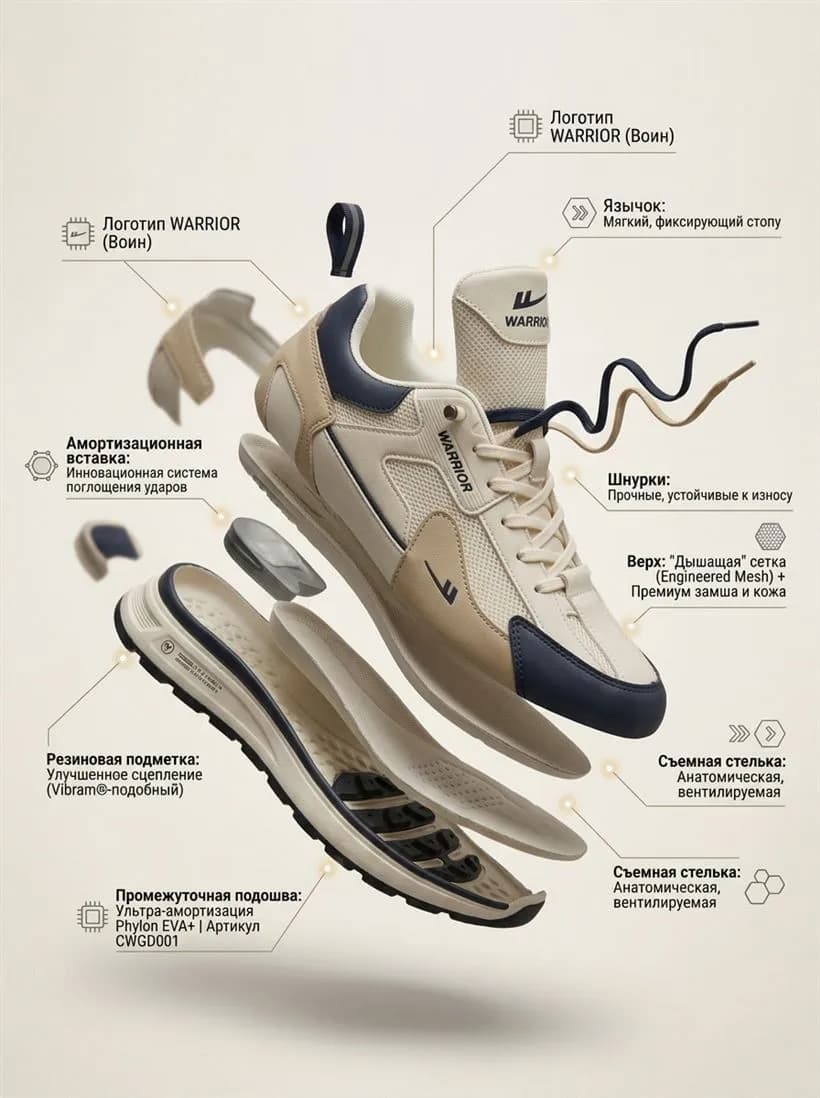
“Card” mode adds feature badges, icons and callouts — ready as carousel slots 2–7.
Cohesive variant set
Design reference “copy” keeps composition, palette and typography consistent across all 7–9 carousel images.
Product video cover
6 or 8 second clips for Amazon's video slot. Camera moves, product stays readable — proven CTR boost.
Examples
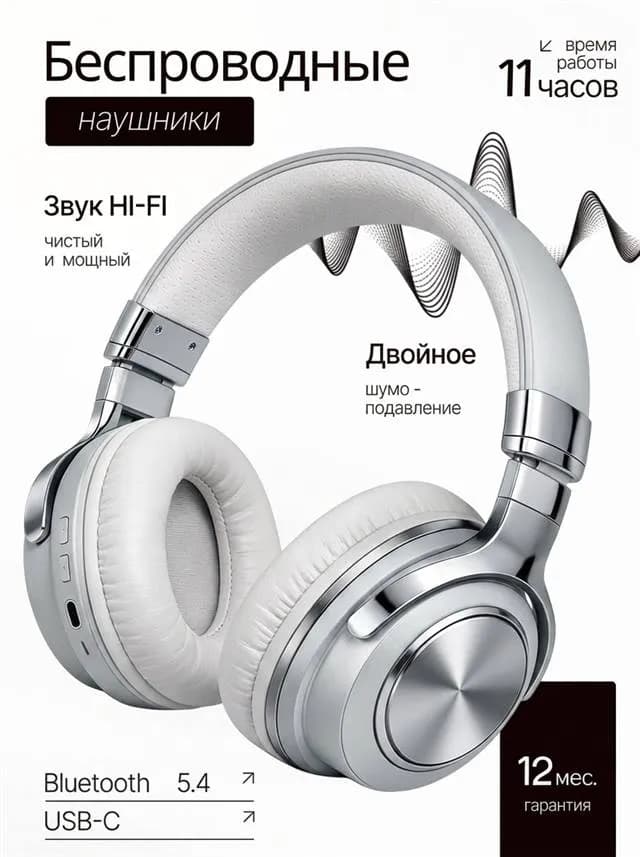
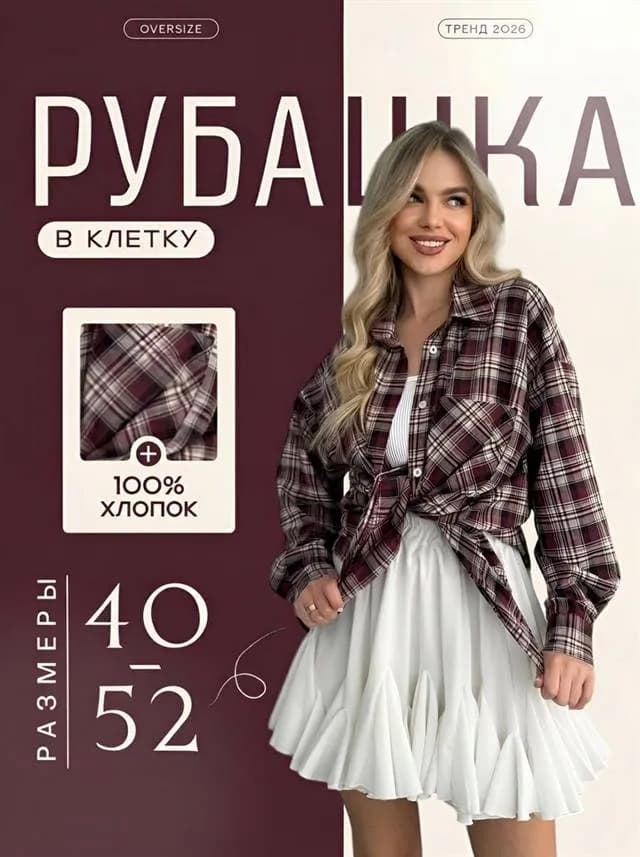
How Aurelia output looks across categories. Every shot was generated from a regular phone snapshot — no studio, no retouching.



Amazon listing photo FAQ
What are Amazon's product image requirements?+
Amazon's MAIN image must be on a pure white background (RGB 255,255,255), at least 1000×1000 pixels (1600×1600 for zoom), JPG or PNG, with the product filling 85% of the frame. No text, logos, watermarks or props in the main shot. Aurelia delivers main images on pure white at 2K+ resolution — drop them straight into Seller Central.
Is AI-generated imagery allowed on Amazon listings?+
Yes. Amazon allows any imagery the seller has rights to. Aurelia outputs are owned by you and can be used commercially — including on listings and ads. The main image must still be a clean shot of the actual product; additional images can be lifestyle and infographic.
How many photos do I need per ASIN?+
Amazon allows up to 9 images (and a video). Use 1 main on white + 4–6 lifestyle and infographic + 1 size-comparison. Aurelia generates up to 4 variants per run, so you can build a full 7–9-image gallery in 15 minutes.
How much does one Amazon listing image cost?+
One image = 4 stars. Lite pack starts at $4.90 for 60 stars (15 images or 3 videos). A 6-second video cover costs 16 stars, 8 seconds — 20 stars.
Can Aurelia add infographics and feature callouts?+
Yes — switch to the “Card” mode and Aurelia adds badges, icons and feature callouts to the photo. Output is a finished slide ready for Amazon's image carousel.
Make your first Amazon image now
6 free stars on signup — enough to generate your first listing image. No card, no subscription.
Start free →Aurelia is an independent service, not affiliated with Amazon.com, Inc. All trademarks belong to their respective owners.