
★ AI GENERATOR FOR ETSY
Etsy listing photos — lifestyle scenes in a minute
Aurelia turns a phone snapshot into a polished Etsy listing image: warm natural light, soft scene, multiple angles. Built for handmade, vintage, and craft sellers — no studio, no Photoshop, no styling session.



Why Etsy listings need lifestyle photography
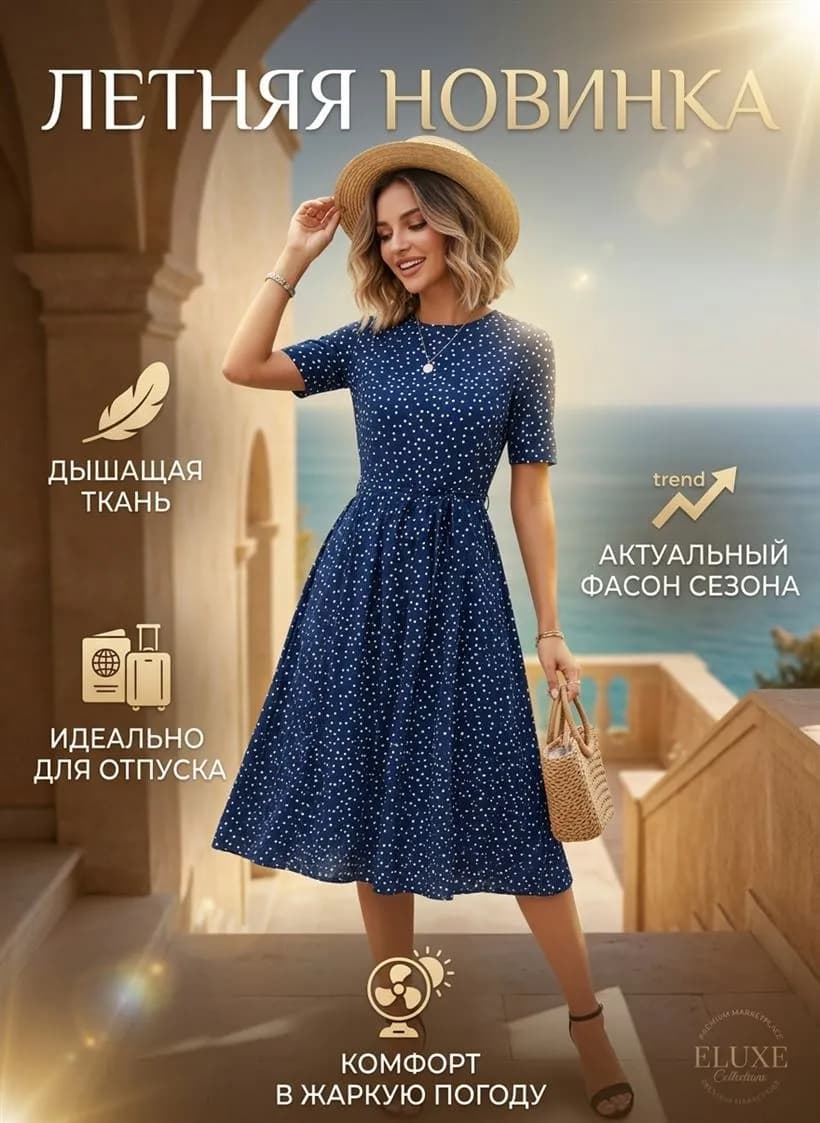
Etsy buyers shop for story, not specs. Listings that show the product in a real setting — held in hand, on a wooden table, beside coffee, in a styled room — convert 2–4× better than clinical white-background shots. Etsy's search algorithm also rewards engagement: longer browsing on your listing means better placement.
The problem: styled lifestyle shoots cost $150–500 per product and require a stylist, props, location and an editing pass. Aurelia covers the same ground in a minute, using your single phone photo as the source.
Etsy image specs — and how Aurelia covers them
- 2000×2000 square, up to 10 images per listing. Aurelia renders up to 2K — fits Etsy's recommended size directly. We also export 3:4 for hero and detail shots.
- JPG or PNG, up to 10 MB. Aurelia exports JPG/PNG, typical file 1–3 MB.
- Natural, warm, story-driven lighting. The “Lifestyle” style is tuned for Etsy aesthetics — diffused window light, linen, wood, ceramic, plant accents.
- Multiple angles per listing. Generate up to 4 variants per run; combine with detail crops for a full 10-image set in 20 minutes.
- Consistent visual identity across your shop. Use a design reference image so every listing in your shop shares palette, mood and framing.
Build an Etsy listing gallery in 3 steps
- 1. Upload your product photo. Any clean phone shot in daylight works. Make sure the product is well-lit and in focus.
- 2. Pick mode and style. For the main image — “Photo” + “Lifestyle”. For detail shots — “Photo” + “Commercial”. Category is detected automatically.
- 3. Hit Generate. One image takes ~99 seconds. Ask for 2–4 variants in one run — keep the best, fill the 10 slots over a few runs.
What Aurelia builds specifically for Etsy
Lifestyle hero shot
Warm natural-window light, product in a believable scene. The kind of image Etsy buyers actually save and share.
Detail and macro
Close-up shots that show texture, materials and craftsmanship — critical for handmade and vintage listings.
Cohesive shop aesthetic
Apply one design reference across every listing — your shop instantly looks like a real brand, not a side hustle.
Listing video
5–15 second clip for Etsy's video slot. Soft camera move, product stays in focus — proven to lift conversion.
Examples
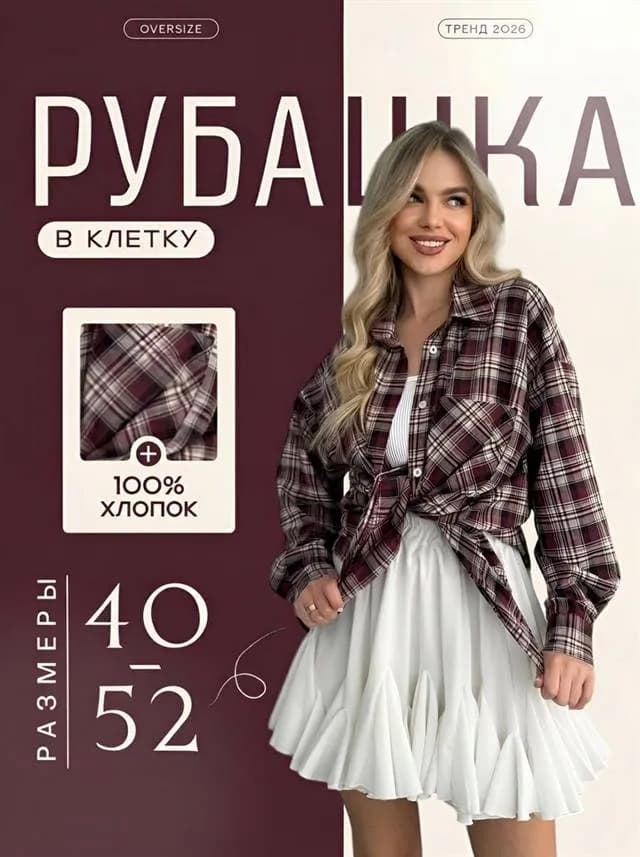
How Aurelia output looks across categories. Every shot was generated from a regular phone snapshot — no studio, no retouching.


Etsy listing photo FAQ
What are Etsy's product image requirements?+
Etsy recommends 2000×2000 square images (minimum 570×570), JPG or PNG. You can upload up to 10 photos per listing. Etsy buyers respond strongly to lifestyle photography — props, natural light, scene context — not just clean catalog shots. Aurelia delivers both: clean studio and lifestyle scenes in one consistent visual language.
Is AI imagery allowed on Etsy?+
Yes for representing your own physical handmade or vintage products. Aurelia outputs are owned by you and can be used commercially on listings. The product shown must still be the actual item you're selling — Aurelia is for restyling and rescaling your real product, not inventing new ones.
How many photos should I use per Etsy listing?+
Use all 10 image slots. Main + 3–4 lifestyle angles + 2–3 detail shots + 1 size-reference + 1 packaging/styling. Aurelia generates up to 4 variants per run, so a full 10-image gallery takes 20–30 minutes.
How much does one Etsy listing image cost?+
One image = 4 stars. Lite pack starts at $4.90 for 60 stars (15 images or 3 videos). A 6-second video cover costs 16 stars, 8 seconds — 20 stars.
Can Aurelia create lifestyle scenes for handmade and vintage?+
Yes — the “Lifestyle” style is built for exactly this. Soft natural light, warm wood, linen, plants, ceramic. Aurelia preserves the product's actual look and places it in a believable scene that resonates with Etsy buyers.
Make your first Etsy photo now
6 free stars on signup — enough for your first listing image. No card, no subscription.
Start free →Aurelia is an independent service, not affiliated with Etsy, Inc. All trademarks belong to their respective owners.