
★ AI GENERATOR FOR SHOPIFY
Shopify product images — brand-consistent in a minute
Aurelia turns a phone snapshot into a polished Shopify product image: studio crop, editorial lifestyle, brand-consistent scene that matches your store theme. No photographer, no Photoshop, no waiting on a designer.
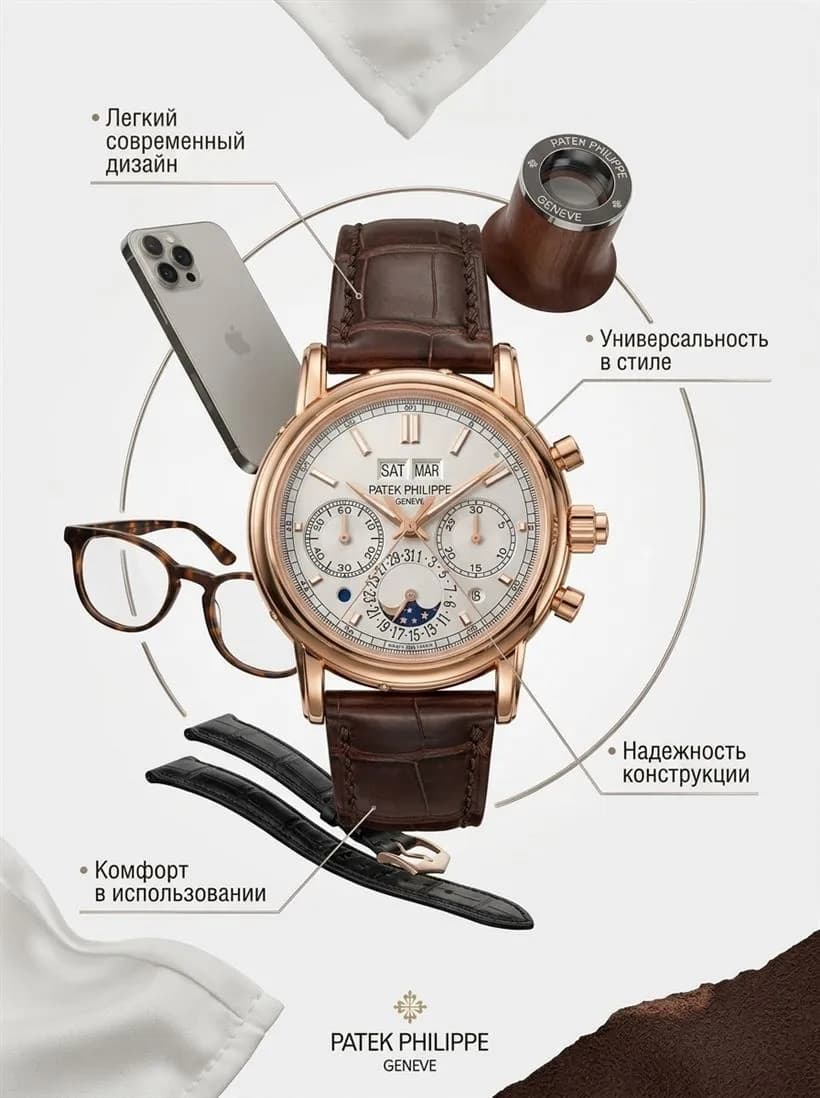
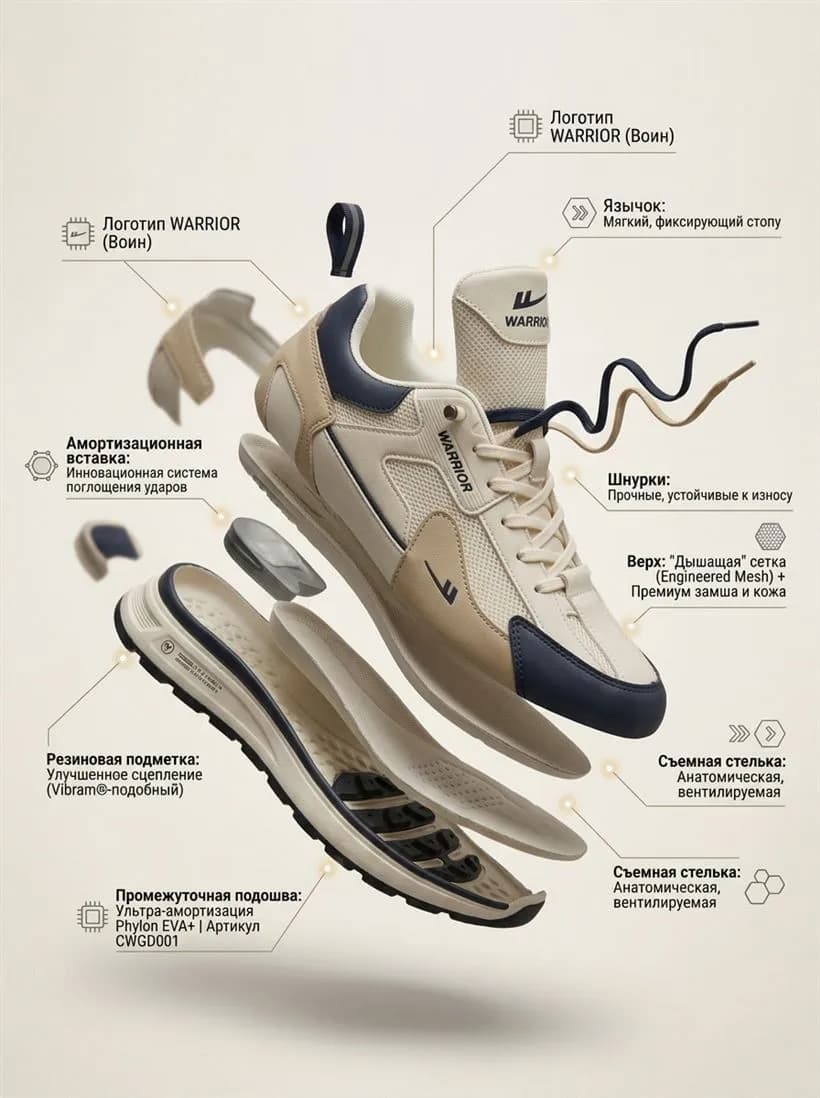
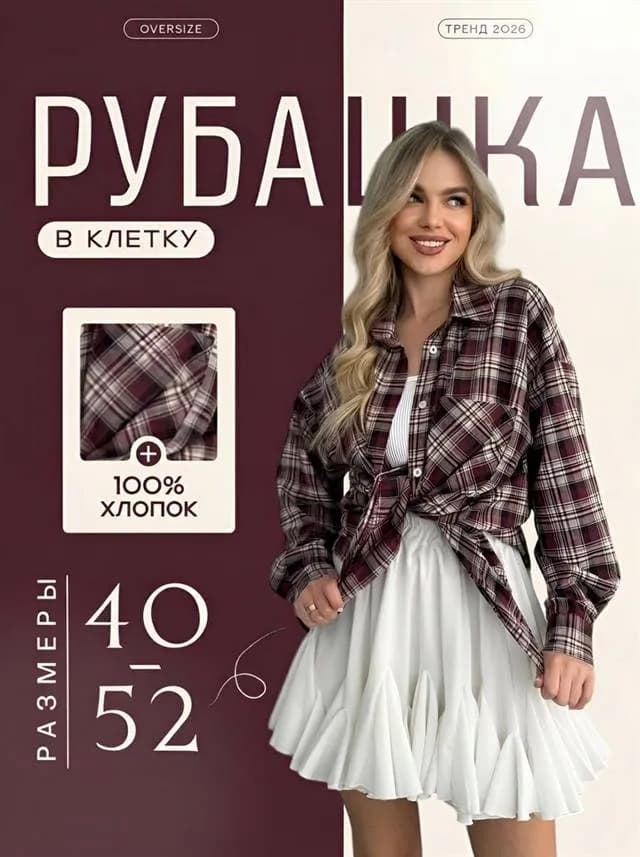
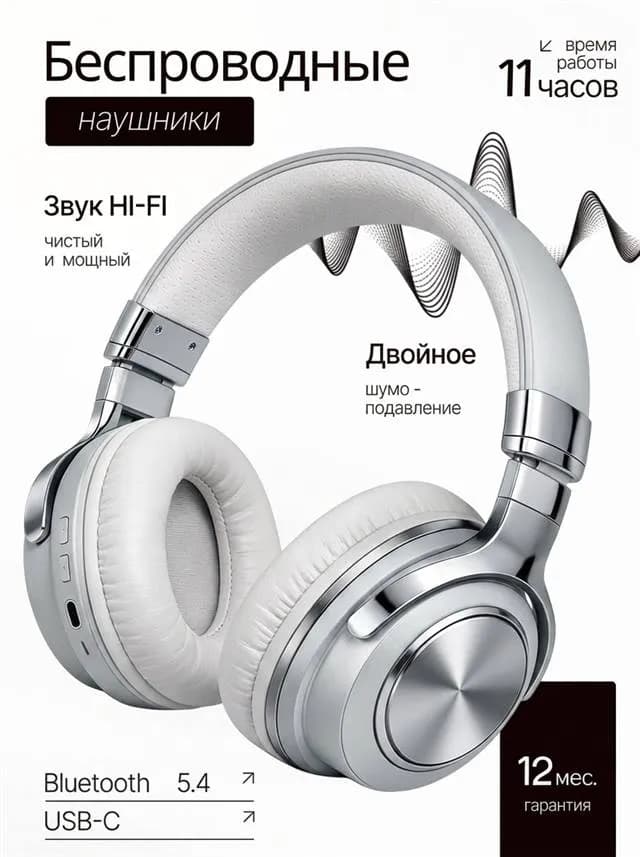
Why DTC stores need brand-consistent product imagery
On Shopify, your product gallery IS your brand. Stores that switch from mixed iPhone shots to a consistent visual language see add-to-cart rates lift 30–60% on average. The hero shot drives the click; the gallery drives the buy. Both have to look like they belong to one brand.
The problem: a full brand photoshoot for a new collection costs $2–8K and takes 2–4 weeks. Aurelia covers the same job in an afternoon, at a fraction of the cost — without losing the visual consistency that makes DTC stores feel premium.
Shopify image specs — and how Aurelia covers them
- 2048×2048 recommended, up to 4472×4472 / 20 MB. Aurelia renders up to 2K — fits Shopify's recommended size directly.
- JPG, PNG and WebP supported. Aurelia exports JPG/PNG, typical file 1–3 MB — Shopify CDN serves WebP automatically.
- Square or 4:5 — most Shopify themes use one of these. Aurelia exports 1:1 and 3:4 by default; we'll add 4:5 on request.
- Brand-consistent across the gallery. One design reference image keeps palette, mood and framing consistent across every product image.
- Multiple roles per product: hero, lifestyle, detail, packaging, in-use. Aurelia covers all of them from one source photo.
Build a Shopify product gallery in 3 steps
- 1. Upload your product photo. Any clean phone shot in daylight works. Set up a design reference image once — Aurelia will keep every subsequent product on-brand.
- 2. Pick mode and style. Hero → “Photo” + “Commercial”. Lifestyle slot → “Photo” + “Lifestyle”. Carousel slide → “Card”. Category is detected automatically.
- 3. Hit Generate. One image takes ~99 seconds. Run 2–4 variants per slot, fill 6–10 image slots in 20 minutes.
What Aurelia builds specifically for Shopify
Brand-consistent hero shot
Studio or editorial hero that matches your store theme — same light, palette and mood across every product page.
Lifestyle and editorial
Product in a believable scene, magazine-quality light. The kind of imagery DTC brands pay agencies for.
Full catalog at one tone
One design reference applies to your whole collection — every product gallery and every PDP looks like part of one brand.
Product video for hero slot
6 or 8 second product clips for the Shopify hero video slot. Camera moves, product stays in focus — lifts conversion and dwell time.
Examples
How Aurelia output looks across categories. Every shot was generated from a regular phone snapshot — no studio, no retouching.




Shopify product photo FAQ
What image specs does Shopify recommend?+
Shopify recommends 2048×2048 square for the product gallery (max 4472×4472, max 20 MB), JPG or PNG. Unlike marketplaces, Shopify gives you full control — your store theme decides what the buyer sees. Aurelia outputs 2K+ images that fit any Shopify theme out of the box.
Is AI imagery allowed on Shopify?+
Yes — Shopify is a self-hosted commerce platform, so the merchant sets the rules. Aurelia outputs are owned by you and can be used commercially across product pages, ads, social and email. The product shown must be a real product you sell.
How many images per product page?+
Most converting DTC stores use 6–10 images per product: 1 hero + 3–4 lifestyle + 2–3 detail + 1 packaging + 1 size-reference + optional video. Aurelia generates up to 4 variants per run — a full gallery takes 15–25 minutes.
How much does one Shopify image cost?+
One image = 4 stars. Lite pack starts at $4.90 for 60 stars (15 images or 3 videos). A 6-second video cover costs 16 stars, 8 seconds — 20 stars.
Can Aurelia match my brand style across products?+
Yes — that's the design reference. Upload one image that captures your brand mood (palette, light, props, framing), and Aurelia keeps every new product image consistent with it. Your full catalog ends up looking like one cohesive brand, not a stitched-together collection.
Make your first Shopify image now
6 free stars on signup — enough for your first product image. No card, no subscription.
Start free →Aurelia is an independent service, not affiliated with Shopify Inc. All trademarks belong to their respective owners.